Tenary Operator

My name is Simon Ugorji and I aspire to become a computer scientist.
I officially started my web development journey in the year 2020 as a backend web Developer and I have enjoyed the experience so far.
I spend my day coding, learning new topics, and figuring out the next article to share with the world.
A Tenary Operator is an operator that provides a way to shorten a simple if else block in just one statement.
Consider this JS code
var x = 0;

if (x == 0)
{
alert('x is Zero');
} else {
alert('x is not Zero');
}
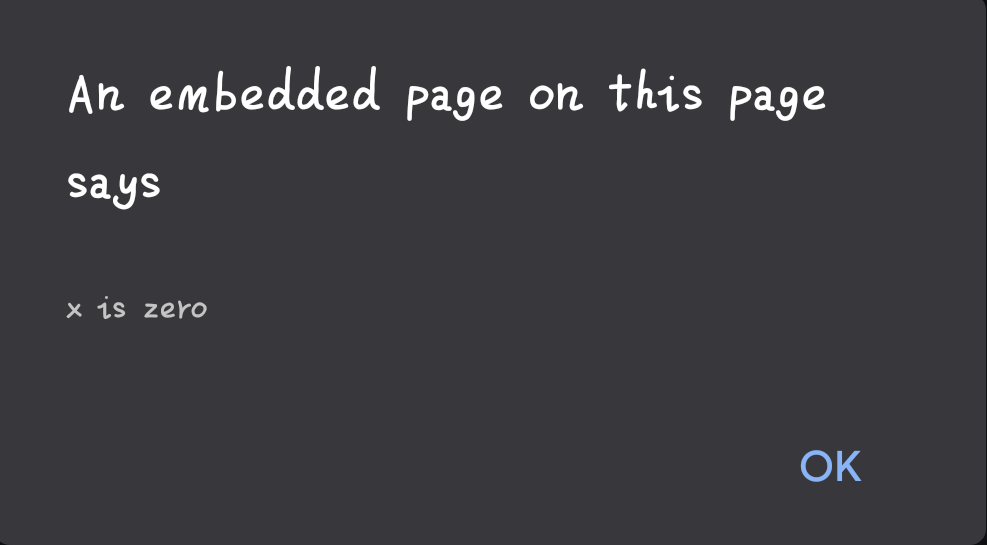
If you run this code on your browser, the response you will get is
x is Zero
But instead of writing an if else block for this code, we can simplify it using a Tenary Operator.
Tenary Operator Syntax
(some_condition_to_check) ? (value is true) : (value if false)
This is an if else block in one statement.
Let's break it down
Any expression before the (?) question mark is the condition to check.
Any expression after the question mark but before the (:) colon mark will be the value of the variable when the condition is true.
Any expression after the (:) colon mark will be the value of the variable when the condition is false.
Now let's rewrite the code
(x == 0) ? alert('x is zero') : alert('x is not zero')
If you run this code on your browser, you will still get the same message.
So far, I've confirmed that the tenary operator works in; C, C++, JavaScript and PHP languages.
Am I missing another language? Comment them below!


